Start or Restart the Application
This section describes how to start or restart the application.
| ➢ | To start/restart the application: |
| 1. | From the Application Maintenance menu, choose Start/Restart the Application, and then press Enter. |
Start or Restart the OVOC server
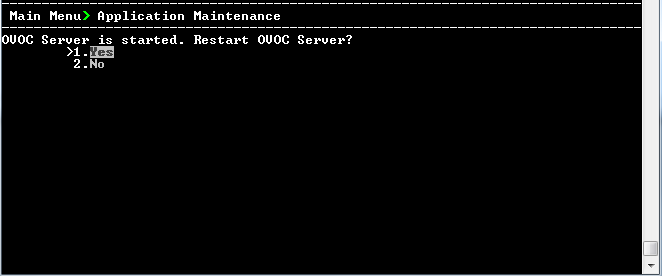
| 2. | Do one of the following: |
| ● | Select Yes to start/restart the OVOC server. |
| ● | Select No to return to menu. |